

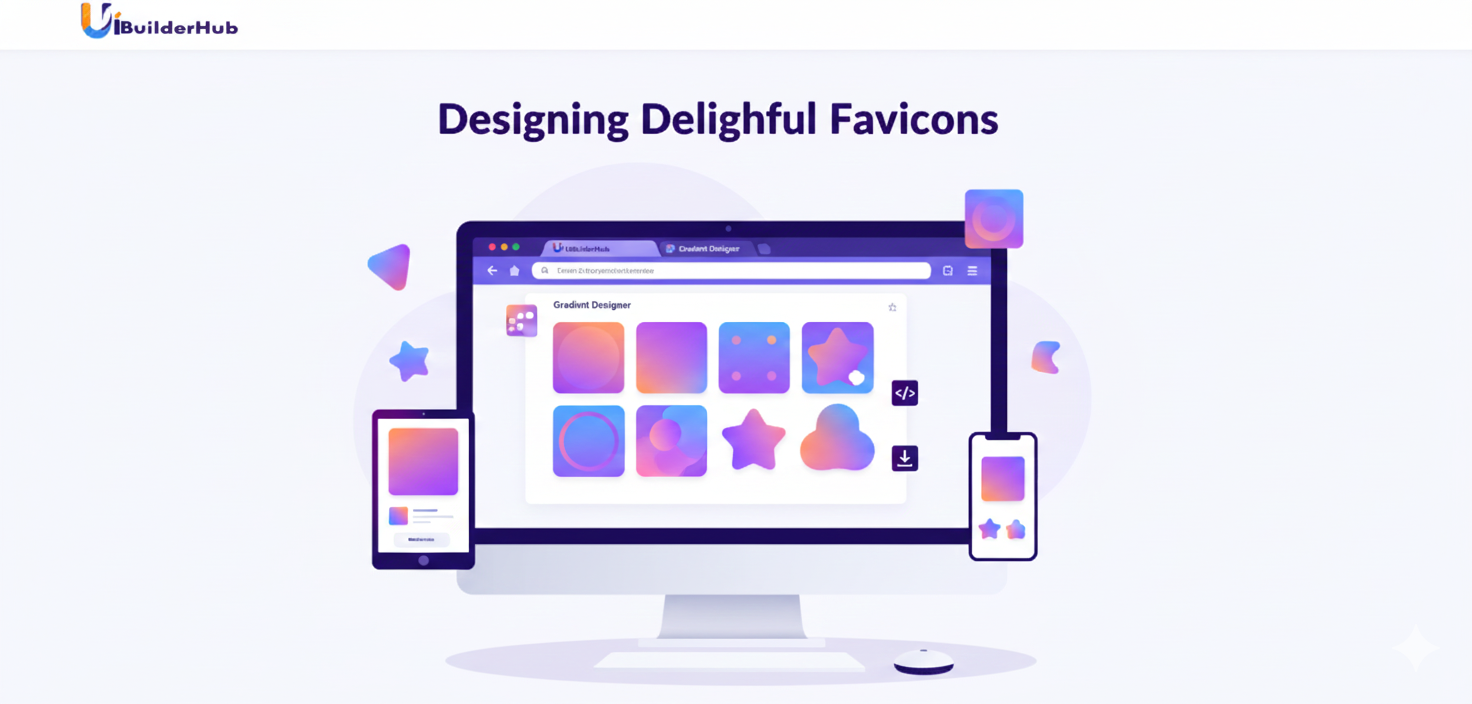
Free Gradient Generator Online 2025 | Create UI Colors
Create beautiful gradient backgrounds in seconds with our free online Gradient Generator Tool. Choose up to 5 colors, adjust their blend, preview on multiple screen shapes, and export as CSS, SVG, PNG, or JPG. Perfect for websites, apps, UI elements, and branding designs—no design skills required
Introduction
Creating modern UI backgrounds without design experience can feel overwhelming. Whether you’re building a website, mobile app, or product graphics, gradients often make the difference between a boring design and a polished one. Yet most tools are either paid, limited, or confusing.
The Gradient Generator from uibiulerhub.com solves this challenge by giving you a free, easy, and powerful way to generate custom gradients online. You can create linear, radial, and conic gradients, adjust up to five colors, preview them across device shapes, and export them instantly as CSS or downloadable images.
This tool is part of uibiulerhub’s collection of 30+ UI, UX, and code builder tools, designed to help designers, developers, students, and creators work faster without paying a cent.
In this blog, you’ll learn how the tool works, where to use it, real-world examples, comparisons, expert tips, and more.
👉 Try it now at uibiulerhub.com/gradient-generator
What is the Gradient Generator Tool?
The Gradient Generator is a browser-based tool that lets you create professional gradient designs without editing code manually or using premium design software. It works for UI backgrounds, website sections, buttons, borders, banners, logos, and digital art.
🔥 Highlights & Features
- 🎨 Add up to 5 custom colors
- 🕹 Adjust color transitions with drag sliders
- 🌀 Choose linear, radial, or conic gradients
- 🧭 Select multiple gradient directions and angles
- 📱 Preview on circle, rectangle, phone, and tablet
- 💾 Export CSS, SVG, PNG, JPG
- 🎁 Includes preset gradient styles
- 🔓 Absolutely free, no signup, no watermark
Compared to other tools, our gradient creator offers multi-color support, device previews, and full export formats without limiting features behind a paid wall.
Why Choose This Gradient Generator?
🌈 1. Professional Quality Results
You can design colorful UI backgrounds just like modern apps, landing pages, and dashboards using live editing + multi-shape preview.
⚡ 2. Saves Time for Developers
Export ready-to-use CSS gradient code without writing or debugging anything.
💎 3. Perfect for Branding & UI Art
With SVG export, your gradient stays sharp even at billboard size, ideal for logos, posters, and illustrations.
🏆 4. Completely Free & Beginner Friendly
Anyone can generate gradients online—no design knowledge or accounts needed. Perfect for students, freelancers, and startups.
📊 5. Proven Impact on UI Engagement
Well-designed UIs increase user engagement significantly. Stunning gradients improve readability, visual hierarchy, and click-through rates.
Whether you’re designing product banners, login screens, background sections, buttons, or illustrations, this tool helps you do it fast and professionally.
Step-by-Step Guide: How to Use the Gradient Generator
Follow these easy steps to generate a gradient in less than a minute.
📸 (Add Screenshot Placeholder: Tool Dashboard)
🟩 Step 1: Open the Tool
Go to uibiulerhub.com/gradient-generator
🎨 Step 2: Choose or Paste Colors
Add hex or RGB values. You can use up to five colors.
🔎 Step 3: Adjust the Color Position
Use the slider to fine-tune how each color blends and appears.
🌀 Step 4: Select Gradient Type
Choose Linear, Radial, or Conic to match your design needs.
🧭 Step 5: Pick Direction & Angle
Select where the gradient flows: top, left, diagonal, corner, circular, etc.
📱 Step 6: Preview in Multiple Shapes
Switch between circle, rectangle, phone, and tablet to test usability.
💾 Step 7: Export & Download
- Copy CSS or SVG code
- Download PNG, JPG, or SVG images
One-line Gradient Code Example:
background: linear-gradient(45deg,#ff4f81,#0041ff,#00d4ff);
Pros and Cons of the Gradient Generator
🟢 Pros
- Free forever, no login required
- Supports multi-color gradients
- Image + code export options
- Device & shape preview modes
- Easy for beginners, powerful for pros
- Works as border and background CSS generator
🔴 Cons
- Doesn’t support mesh gradients yet (coming soon!)
- Advanced UI texturing still requires external design tools (but SVG export helps edit easily)
Real-World Use Cases
🛒 E-Commerce Hero Banners
Use smooth gradients for sale offers, product headers, and modern UI layouts.
📱 Mobile App Interfaces
Design login screens, buttons, cards, and backgrounds using device previews.
🎨 Brand Illustrations & Logos
Export SVG gradients for scalable graphics and professional logos.
🌐 Website Backgrounds
Generate lightweight CSS gradients to replace large image backgrounds and improve performance.
📢 Social Media Content & Ads
Download HD gradient images to enhance posts in Canva, Figma, or Photoshop.
Gradient Generator vs Competitors
|
Feature |
uibuilderhub Gradient Tool |
Coolors |
Figma Plugin |
Adobe Express |
|
Free Downloads |
✔ PNG/JPG/SVG |
✔ JPG Only |
❌ Paid |
❌ Limited |
|
Multi-Color Support |
✔ 5+ Colors |
✔ 4 Colors |
❌ Limited |
✔ 3 Colors |
|
CSS Export |
✔ Yes |
✔ Yes |
❌ No |
❌ No |
|
Device Preview |
✔ Phone/Tablet |
❌ None |
❌ None |
❌ None |
|
Presets |
✔ Yes |
✔ Yes |
✔ Yes |
✔ Yes |
👉 Perfect for users who want free exports + code + previews in one place.
Frequently Asked Questions (FAQ)
❓ What can I create with the Gradient Generator?
You can design custom gradient backgrounds, borders, buttons, banners, and illustrations. The tool supports CSS, SVG, PNG, and JPG exports, making it useful for websites, apps, social media graphics, and branding assets.
❓ Does the gradient generator support multi-color gradients?
Yes. You can add up to five different color codes and adjust their position using a slider, making it ideal for 5-color gradient designs, abstract effects, and complex UI backgrounds.
❓ Can I export gradient designs as code?
Absolutely. The tool lets you export CSS gradient code and SVG gradient code with a single click. You can paste the code directly into your HTML, CSS, or design tools.
❓ Is this gradient tool completely free?
Yes. The gradient generator is 100% free, with no premium plans, no login requirements, and no watermark limitations. You can download unlimited gradient images in HD and export all types of gradient code at no cost.
❓ Can I use gradients for borders and buttons?
Yes. After generating your gradient, simply copy the CSS code and modify it for border gradients, button backgrounds, card effects, or text overlays. This tool works perfectly as a border gradient CSS generator as well.
❓ How do device previews help in UI design?
The generator includes circle, rectangle, phone, and tablet previews, allowing you to see how a gradient will look on real UI components. It helps designers create accurate backgrounds for app screens, product graphics, and icon styles before exporting.
❓ Can I generate gradients without knowing coding or design?
Yes. The tool is designed for both beginners and professionals. You only choose or paste colors, and the generator automatically creates the gradient design and code, making gradient creation simple even if you don’t understand CSS.
Conclusion
The Gradient Generator by uibiulerhub.com is a powerful yet simple online tool for creating gradient backgrounds, SVG illustrations, UI elements, and CSS-based design components. It supports multiple gradient types, device previews, multi-color blending, and full export formats—all for free.
👉 Start building stunning gradients today:
🔗 uibiulerhub.com/gradient-generator
✨ While you’re there, explore our other UI tools like:
🔗 Flexbox & Grid Generator
🔗 Regex Generator
Comments (0)
Please sign in to leave a comment.