

Introduction
Have you ever struggled to think of a strong password, repeated the same one across multiple accounts, or relied on weak passwords like “abc12345”? You’re not alone. With cyber-attacks increasing every year, choosing a secure password is no longer optional—it’s essential. That’s where a secure password generator becomes your best defense.
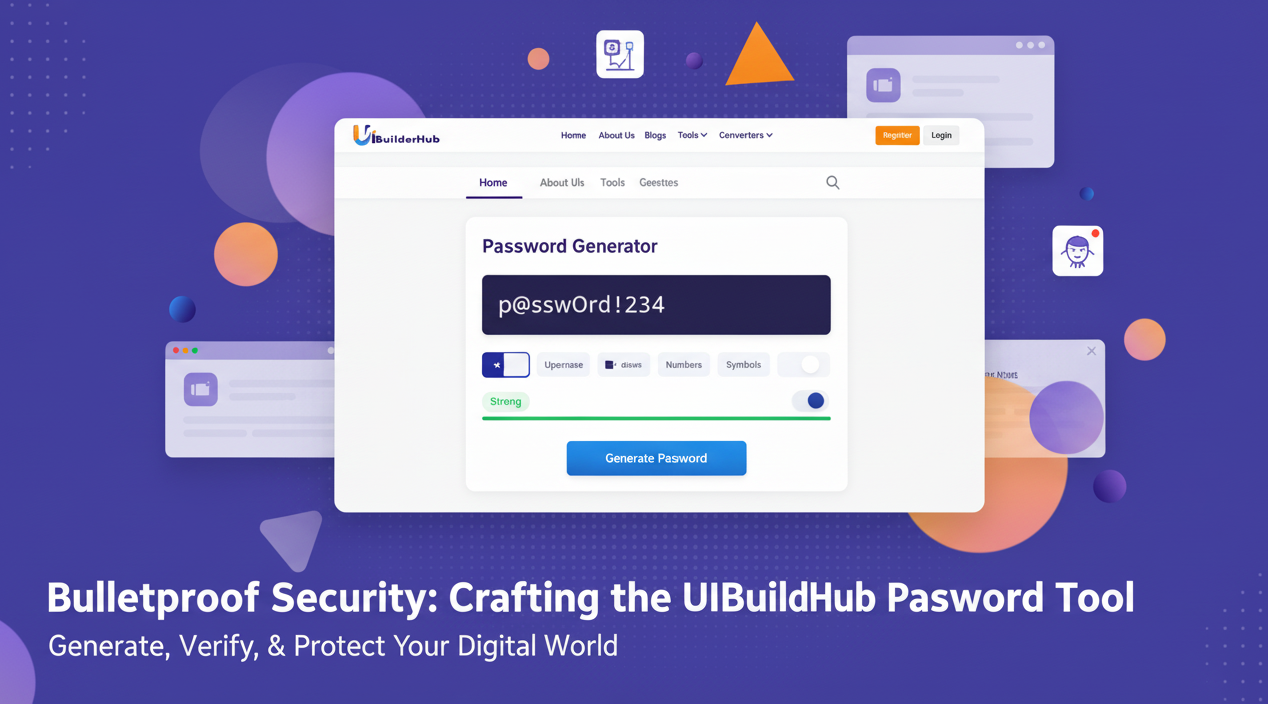
The Password Generator Tool by uibuilderhub.com helps anyone create strong, random passwords up to 32 characters, including uppercase letters, lowercase letters, numbers, and symbols. It also supports advanced hashing algorithms such as Bcrypt, Argon2, Scrypt, and PBKDF2, and even provides a hash verifier, making it safer than a basic online generator.
Part of uibuilderhub’s collection of 45+ free tools, this generator offers the perfect balance of usability and powerful encryption features. By the end of this guide, you’ll learn how to use it, why it’s better than competitors, real-world examples, FAQs, and more.
👉 Try it now at uibuilderhub.com/tools/password-generator
What is the Password Generator Tool?
The Password Generator Tool is a free online utility that creates secure, unpredictable passwords for personal accounts, business systems, development environments, and more. It also generates hashed passwords, commonly used in websites, apps, and cybersecurity systems.
Core Features
- Generate passwords from 8 to 32 characters
- Choose character types: uppercase, lowercase, numbers, symbols
- Create hashed passwords using Bcrypt, Argon2, PBKDF2, and Scrypt
- Verify password hashes using the hash verifier
- One-click copy and secure saving options
- Free to use, no account required
Unlike tools like Dashlane’s password generator or paid security tools, uibuilderhub’s Password Generator is 100% free, offers hash options, and doesn’t collect or store user data—ensuring safer use than many competitors.
This makes it one of the best online password generator tools, especially for developers needing a crypto hash password generator or users wanting a free online secure password generator.
Why Choose the Password Generator Tool?
Passwords are often the first line of defense against hackers. A strong password can reduce the risk of cyber-attacks by up to 80% (industry estimate). But generating a truly random password on your own is nearly impossible. That’s why tools like this matter.
Benefits
- ⏳ Saves time—no more thinking of passwords manually
- 🔐 Stronger than human-made passwords
- 💰 Completely free (no subscription like Dashlane or 1Password)
- 💻 Perfect for developers using Bcrypt, Argon2, PBKDF2, Scrypt
- 🌍 Works on any browser or device
Who Should Use It?
- Everyday users needing secure login passwords
- Developers who want to generate and verify hash-based passwords
- IT professionals managing business account security
- Students learning cybersecurity
Whether you want to generate a 10-digit password, 16-digit password, or a full 32-character strongest password, this tool adapts easily. It fits perfectly into the category of free secure online password generators and custom password generator online tools.
Step-by-Step Guide: How to Use the Password Generator Tool
(Insert screenshot: Dashboard Overview)
1. Configure Your Password Settings
Choose your password length from 8 to 32 characters, and toggle the options for uppercase letters, lowercase letters, numbers, and symbols. This lets you customize the password based on your website or account requirements.
💡 Tip: For banking and financial accounts, use 16+ characters with symbols.
🧾 Example Setting:
Length: 20 | Include: A–Z, a–z, 0–9, !@#$%
2. Generate a Strong Password
Click the “Generate Password” button. The tool instantly creates a fully random and difficult-to-crack password, unlike predictable human-made ones.
🖨 Example Output:
Vx9#pT6!bQ3@jH8$Kd7*
3. Copy & Save Safely
Use the copy button and save your password in a trusted password manager (not your browser, not a notebook, and definitely not WhatsApp!). Avoid storing it in plain text.
🔐 Recommended Action:
Copy → Save in Password Manager → Clear Clipboard
4. Generate Hashed Password (Optional)
If you’re a developer, choose a hashing method: Bcrypt, Argon2, Scrypt, or PBKDF2. Click “Generate Hash” to encrypt your password for safe database storage.
🧾 Sample Hash Output:
$argon2id$v=19$m=4096,t=3,p=1$…
5. Verify a Hash (Optional)
Paste a password and its hash, then click Verify. The tool checks whether they match—a useful feature for web developers handling login systems.
🕵️ Use Case: Test login authentication before launching your website.
Pros and Cons of the Password Generator Tool
👍 Pros
- 100% free forever
- Includes advanced hashing algorithms
- Supports up to 32-character strong passwords
- No sign-up, no data stored
- Beginner-friendly UI & professional features
👎 Cons
- No built-in cloud password manager (avoids storing unsafe data)
- No auto-form filling (use your password manager instead)
- Requires users to save passwords manually for now
💡 Tip: Combine this tool with browser password managers or tools like KeePass for secure storage.
Real-World Use Cases and Examples
🛍️ For E-Commerce Stores
Owners can generate strong hashed passwords for admin dashboards, preventing unauthorized control.
📱 For App Developers
Integrate secure Bcrypt or Argon2 hashed passwords into user login systems to reduce breach risks.
🏢 For Business Teams
Admins can generate 20–32 character master passwords for shared business tools.
🎓 For Students and Learners
Great for those studying cryptography, cybersecurity, authentication systems, and password hashing.
Password Generator vs. Top Alternatives
|
Feature |
uibuilderhub Password Generator |
Dashlane Generator |
1Password Generator |
|
Free |
✅ Yes |
❌ Limited |
❌ Paid |
|
Max Length |
32 |
20 |
24 |
|
Hash Generator |
✅ Bcrypt, Argon2, PBKDF2, Scrypt |
❌ No |
❌ Limited |
|
Hash Verifier |
✅ Yes |
❌ No |
❌ No |
|
Data Storage |
❌ No (safer) |
⚠️ Stores data |
⚠️ Stores data |
👉 Clearly, uibuilderhub’s generator is stronger, safer, and free.
Frequently Asked Questions (FAQ)
Is this password generator really free?
Yes. It’s 100% free with no paid plans, unlike Dashlane or 1Password.
What is the recommended password length?
Use 12–16 characters for normal accounts, and 20–32 characters for sensitive ones.
What makes a password secure?
A strong password is long, random, and includes mixed characters. This tool generates up to 32-character complex passwords, plus hash options for extra safety.
How often should I change my passwords?
Update your important passwords every 3–6 months or immediately if you suspect a breach.
Which hashing algorithm is best?
Bcrypt or Argon2 are the strongest for modern security systems.
Conclusion
The Password Generator Tool by uibuilderhub.com offers one of the most secure and flexible ways to generate passwords and advanced password hashes online. With support for Bcrypt, Argon2, PBKDF2, and Scrypt, and random passwords up to 32 characters, it stands ahead of both paid and free alternatives.
🔐 Create secure passwords & hashes for free today:
👉 uibuilderhub.com/tools/password-generator
✨ Want more helpful tools? Explore over 4+ free tools at uibuilderhub.com.
🔐 Try it now at uibuilderhub.com/tools/password-generator — and don’t forget to explore our 30+ free tools designed to make your work smarter and safer:
Comments (0)
Please sign in to leave a comment.