

Introduction
Struggling to convert RGBA colors to HEX for web projects or UI designs? You’re not alone. Designers and developers often need precise color codes for CSS, themes, or style guides, but manually calculating HEX from RGBA can be tedious. That’s where the RGBA to Hex Converter comes in, a free tool at uibiulerhub.com that simplifies the process.
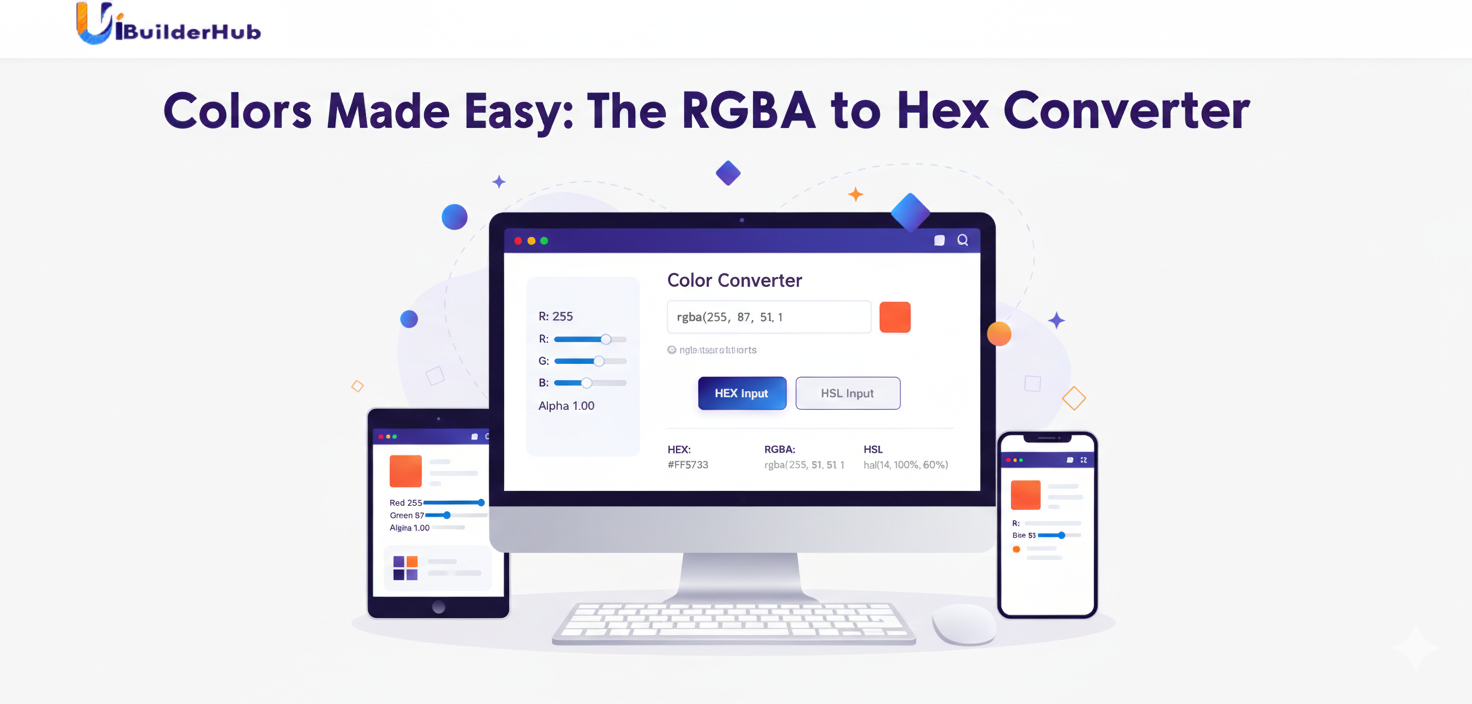
This tool allows you to input RGB, RGBA, HSL, or named colors, see a live color preview, generate random colors, invert shades, and copy results in all formats instantly. With this free UI builder tool, you can speed up your workflow, maintain consistent branding, and prototype UI designs without any coding. In this guide, we’ll explore its features, benefits, step-by-step usage, comparisons, and real-world applications, so you can start converting colors like a pro today.
Try it now at uibiulerhub.com/rgba-to-hex-converter.
What is RGBA to Hex Converter?
The RGBA to Hex Converter is a simple, web-based tool that transforms RGBA color codes into HEX format for use in CSS, HTML, and design software. It’s perfect for developers, designers, and marketers who need accurate color representations quickly.
Key Features:
- Convert RGBA, RGB, HSL, or named colors to HEX format
- Live color preview panel for accuracy
- Buttons for Random Colors, Copy All Formats, Invert Colors, and Clear All
- Supports 6-digit HEX (#RRGGBB) for solid colors or 8-digit HEX (#RRGGBBAA) to preserve transparency
- User-friendly interface suitable for beginners and pros
Unlike other tools like Adobe Color or online converters, this tool is completely free, doesn’t require sign-up, and allows instant color manipulation with alpha transparency support. Keywords like RGBA to HEX converter, CSS color converter, and hex color generator are naturally included in the workflow.
Why Choose RGBA to Hex Converter for Your Projects?
Using the RGBA to Hex Converter saves time, reduces errors, and makes web or app design simpler.
- Ease of Use: No coding knowledge required—just input your color values or paste CSS codes
- Time-Saving: Instantly generate HEX codes from RGBA values
- Cost-Free: Fully free tool, unlike subscription-based color tools
- Accuracy: Supports alpha transparency, ensuring colors appear correctly in your projects
- Versatile: Works for web apps, mobile apps, UI prototypes, branding, and marketing
For example, a startup building a mobile app prototype can quickly convert RGBA color themes to HEX, ensuring consistent branding across platforms. Studies suggest consistent color schemes can reduce design revisions by up to 50%, saving significant development time.
Step-by-Step Guide: How to Use RGBA to Hex Converter
Follow these easy steps to convert RGBA to HEX efficiently:
- Enter RGBA Values
Input your color values manually or paste a CSS RGBA code, like:
2. rgba(255, 87, 51, 0.8)
Or select a color visually using the color picker.
- Choose HEX Output Format
Pick 6-digit HEX (#RRGGBB) for solid colors or 8-digit HEX (#RRGGBBAA) for transparency preservation. - Preview Your Colors
See a live preview comparing original RGBA and converted HEX codes, including alpha transparency.
Insert screenshot: Preview panel - Copy HEX Codes
Use the Copy HEX Code button to get your HEX format ready for CSS, HTML, or design software:
6. #FF5733CC
- Use Extra Features
Experiment with Random Colors, Invert Colors, or Clear All for a fresh start.
Insert screenshot: Buttons overview - Apply in Projects
Paste the HEX codes into your website’s CSS, UI component libraries, or design templates. - Repeat for Multiple Colors
You can convert multiple RGBA values at once using the same workflow for batch projects.
Pros and Cons of RGBA to Hex Converter
Pros
- Free and easy to use
- Supports RGB, RGBA, HSL, and named colors
- Live preview for accurate color conversion
- Advanced options like invert, random colors, and clear all
- Compatible with CSS, HTML, and design software
Cons
- Limited advanced color grading features, but ideal for beginners
- Doesn’t integrate directly with professional design tools, but works alongside them easily
- Focuses on color conversion only, so may need other tools for complete UI prototyping
Workaround: Pair it with uibiulerhub’s Gradient Generator or Color Palette Converter for full UI design workflows.
Real-World Use Cases and Examples
- E-commerce Websites: Convert product theme RGBA colors to HEX for CSS styling consistency
- Mobile App Prototypes: Ensure HEX colors match the RGBA designs in Figma or Sketch
- Brand Guidelines: Document HEX codes derived from RGBA to maintain consistent color usage
- Marketing Materials: Convert client RGBA color palettes to HEX for web banners, email templates, or social media posts
Each scenario demonstrates how RGBA to Hex Converter reduces errors and accelerates design workflows. Share your projects in the comments to showcase your color usage!
RGBA to Hex Converter vs. Alternatives
|
Feature |
RGBA to Hex Converter |
Adobe Color |
Figma Color Picker |
|
Free |
✅ |
❌ Subscription |
✅ |
|
Input Formats |
RGBA, RGB, HSL, Named |
RGB only |
RGB, HEX |
|
Transparency Support |
✅ 8-digit HEX |
❌ Limited |
✅ via HEX |
|
Random Colors |
✅ |
❌ |
❌ |
|
Copy All Formats |
✅ |
❌ |
✅ |
Conclusion: For beginners or those looking for a free, no-code UI color conversion tool, the RGBA to Hex Converter is faster, easier, and more versatile for web and app projects than alternatives.
Frequently Asked Questions (FAQ)
- How do I convert RGBA color values to HEX format for web design and CSS?
Input RGBA manually, paste a CSS code, or use the color picker, then copy the 6-digit or 8-digit HEX code. - What's the difference between 6-digit and 8-digit HEX codes?
6-digit HEX is for solid colors, 8-digit HEX preserves alpha transparency. - Does the converter handle transparency correctly?
Yes, 8-digit HEX codes include the alpha value from RGBA. - Can I convert multiple colors at once?
Yes, you can convert several RGBA codes and copy them all at once. - Are the HEX codes compatible with all browsers and design software?
Yes, compatible with CSS, HTML, and most design tools. - Can I invert or adjust colors before conversion?
Yes, the invert button lets you create contrasting variations. - Is the tool free?
Yes, it’s completely free with no signup required.
Conclusion
The RGBA to Hex Converter is a must-have free UI builder tool for developers, designers, and marketers looking to save time and maintain consistent color schemes. With support for RGBA, RGB, HSL, and named colors, live previews, randomization, and alpha transparency, it’s versatile and beginner-friendly.
Head over to uibiulerhub.com to try the RGBA to Hex Converter for free today! Explore our other 30+ tools, like the Gradient Generator and Business Card Generator, to level up your UI design workflow.
Share your creations on social media and inspire others with your color projects!
Comments (0)
Please sign in to leave a comment.