

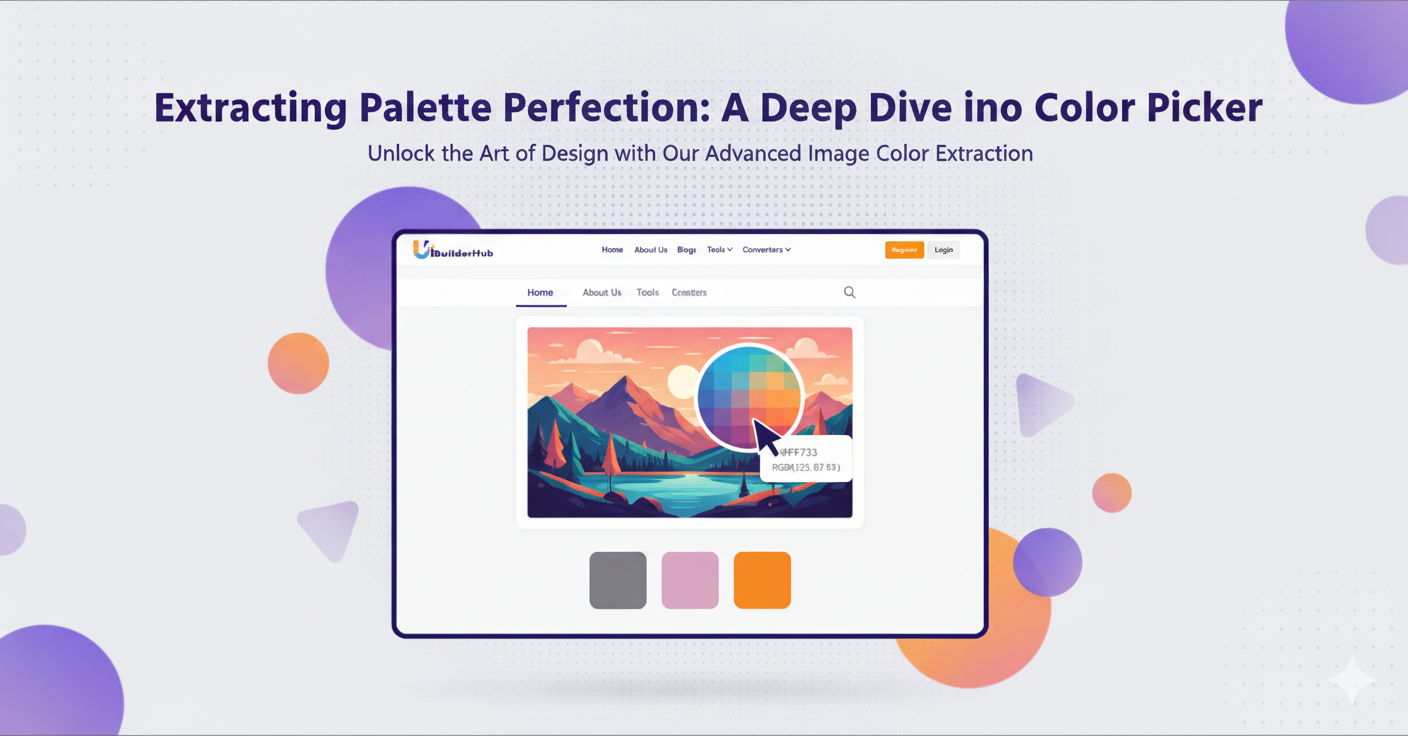
The Best Free Color Picker from Image in 2026: Instantly Extract Colors, Hex, and RGBA Values Online
Extract colors instantly with uibuilderhub’s Free Color Picker from Image. Upload any JPG, PNG, WEBP, or GIF to get precise Hex and RGBA codes in seconds. Click anywhere on your image to find exact shades, remove unwanted colors, and copy values with one click. 100% free, fast, and mobile-friendly — the perfect color finder tool for designers, developers, and content creators.
Introduction
Ever seen a beautiful picture, artwork, or design and wondered, “What exact color is that?” Whether you’re a UI/UX designer, developer, or content creator, identifying and extracting precise colors from an image can be challenging — until now.
Meet the Color Picker from Image, a free online color picker available on uibuilderhub.com. This color finder from image online tool lets you upload any image — JPG, PNG, WEBP, or GIF — and instantly reveals Hex and RGBA values. If you don’t like the color you’ve chosen, simply remove it — no need to start over!
As part of uibuilderhub’s collection of 45+ free UI/UX tools, this color identifier simplifies your creative process by giving you accurate color data from any image in seconds.
In this guide, you’ll learn:
- What makes this color image picker unique
- How to use it step-by-step
- Real-world use cases and comparisons
- FAQs to help you get started
👉 Ready to try it? Head over to uibuilderhub Color Picker from Image and start extracting colors today!
What is Color Picker from Image?
The Color Picker from Image is a free online tool that helps you extract color codes from any image in seconds. Upload a JPG, PNG, WEBP, or GIF, and the tool instantly identifies all dominant colors, giving you Hex and RGBA values.
Unlike other tools that require sign-ups or subscriptions, uibuilderhub’s Color Picker is completely free, browser-based, and lightning fast — perfect for designers, developers, or artists who want color accuracy without complexity.
🌟 Key Features:
- 🎨 Multi-format support: Upload JPG, PNG, WEBP, and GIF files effortlessly.
- ⚡ Instant color detection: Extract Hex and RGBA color values automatically.
- 🧩 Interactive palette: Click on any part of the image to get specific color details.
- 🗑️ Smart undo/remove: Delete unwanted colors without re-uploading.
- 💡 Color preview: See how your selected shade looks before copying.
- 📋 One-click copy: Quickly copy color codes to your clipboard.
Compared to tools like Adobe Color or Coolors, uibuilderhub’s Color Picker from Image is:
- ✅ 100% Free
- ✅ No login or sign-up required
- ✅ Beginner-friendly interface
- ✅ Fast and mobile-friendly
Use it as your go-to hex color picker from image, rgba color image finder, or color extractor from image — all in one easy platform.
Why Choose Color Picker from Image for Your Projects?
Colors define a design’s soul. Picking the perfect color palette can improve user engagement, accessibility, and brand recognition. Here’s why uibuilderhub’s Color Picker is ideal:
🎯 1. Time-Saving and Intuitive
Forget guessing or manual sampling — upload an image, and your color palette is ready. Whether you’re crafting UI mockups, editing photos, or designing websites, you’ll save hours.
💰 2. 100% Free and Online
No hidden charges, subscriptions, or downloads. Use the free color finder from any browser — even on mobile.
🎨 3. Accuracy and Versatility
Extract exact Hex, RGBA, or even RGB values with pixel-level precision. Perfect for web developers who need consistent color codes.
🧑💻 4. Great for All Users
- Designers: Build color palettes from reference images.
- Developers: Match UI colors to brand assets.
- Marketers: Maintain brand identity across visuals.
💡 Did you know? Consistent color usage can increase brand recognition by 80% (source: Design Council).
So whether you’re building a portfolio, app, or website — this best color picker from image ensures every shade is on point.
Step-by-Step Guide: How to Use Color Picker from Image
Follow these simple steps to get started:
Step 1: Visit the Tool
Go to uibuilderhub Color Picker from Image.
Step 2: Upload Your Image
Click Upload Image, and choose any JPG, PNG, WEBP, or GIF.
💡 Tip: Use high-resolution images for best results when extracting colors.
Step 3: Wait for Instant Processing
Within seconds, your image loads and the color detection begins.
Step 4: Click to Pick Colors
Click anywhere on the image. The tool instantly shows Hex and RGBA values.
Step 5: Remove Unwanted Colors
Don’t like a shade? Hit Remove — no need to re-upload.
Step 6: Copy Codes
Use One-click Copy to grab color codes for your project.
Step 7: Build Your Palette
Repeat the process to create a custom image color palette.
Insert screenshot: Dashboard showing image upload and color code display
You’ve just extracted your first color palette from image — in under 30 seconds!
Pros and Cons of Color Picker from Image
✅ Pros
- 💸 Completely free to use
- 📸 Supports JPG, PNG, WEBP, and GIF
- ⚡ Fast and accurate color detection
- 💻 Works in any browser — no install needed
- 🧠 Beginner-friendly UI
⚠️ Cons
- 🚫 No offline mode (but accessible via mobile browsers)
- 🎨 Limited advanced editing (use other uibuilderhub tools for deeper customization)
👉 Pair it with our Color Palette Generator or RGBA to Hex Converter for extended functionality!
Real-World Use Cases and Examples
Here’s how designers and developers use the Color Picker from Image:
1. 🎨 UI/UX Design
Extract palette from inspiration images for app or web UI.
2. 🛍️ E-commerce Product Pages
Match website colors to product photos for brand consistency.
3. 📱 Mobile App Prototypes
Design mockups using exact shades from real-world imagery.
4. 🧑🎨 Artwork and Branding
Artists use it to digitize colors from sketches or digital art.
Try it on your next design and experience seamless color extraction!
Color Picker from Image vs. Alternatives
|
Feature |
Color Picker from Image |
Adobe Color |
Coolors |
|
💰 Price |
✅ Free |
❌ Paid/limited |
❌ Freemium |
|
🖼️ File Support |
JPG, PNG, WEBP, GIF |
JPG, PNG |
JPG, PNG |
|
⚡ Speed |
⚡ Instant |
Moderate |
Fast |
|
🧠 Ease of Use |
✅ Beginner-friendly |
Advanced |
Intermediate |
|
🗑️ Remove Colors |
✅ Yes |
❌ No |
❌ No |
|
📋 Copy Codes |
✅ 1-click |
✅ |
✅ |
As shown, uibuilderhub’s Color Picker leads with free access, multiple formats, and flexibility — perfect for anyone who wants an online color picker from image without subscriptions.
(FAQ)
1. Is the Color Picker from Image really free?
✅ Yes! It’s completely free to use on uibuilderhub.
2. Which file types are supported?
You can upload JPG, PNG, WEBP, and GIF files.
3. Can I remove colors I don’t want?
Absolutely! Use the Remove button to delete colors without re-uploading.
4. Does it work on mobile?
Yes, the tool is mobile-friendly — just open it in your browser.
5. What color codes can I get?
You can extract Hex and RGBA color codes from images.
6. Is there a color picker extension for Chrome?
Currently, it’s a web-based tool, but works perfectly on desktop browsers like Chrome.
7. How accurate are the results?
Extremely accurate — it detects exact pixel colors for precise palette creation.
Conclusion
The Color Picker from Image is a must-have tool for designers, developers, and creatives who want fast, accurate, and free color extraction. With support for JPG, PNG, WEBP, and GIF, instant Hex/RGBA values, and intuitive editing, it’s the best color finder from image online in 2025.
Head over to uibuilderhub Color Picker from Image to try it today — and explore our other 45+ free tools like:
Build, design, and create smarter — all in one place, at uibuilderhub.com!
💬 Found it helpful? Share your favorite color palette on social media and tag #uibuilderhub!
Comments (0)
Please sign in to leave a comment.