

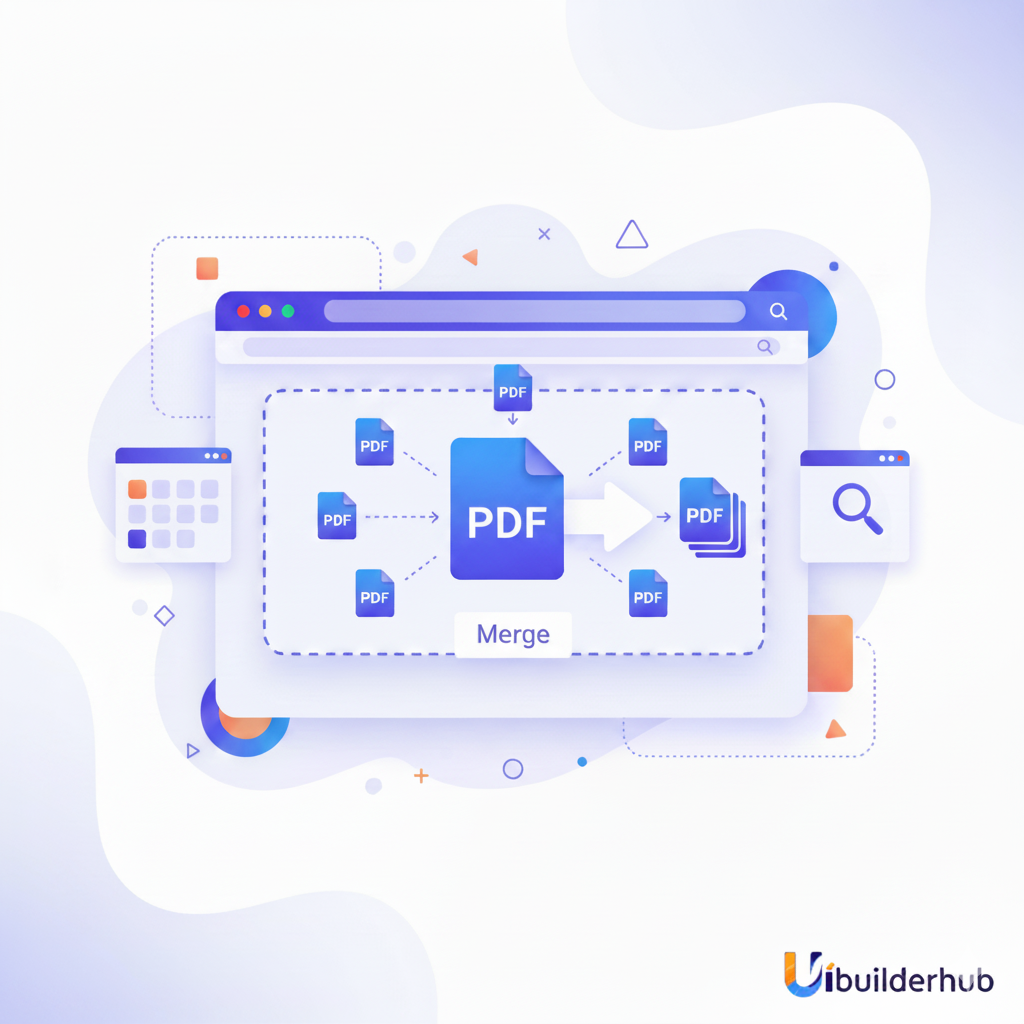
The Best Free PDF Merger in 2025: Combine Multiple PDFs Instantly with UIBuilderHub
Combine all your PDFs in one click! UIBuilderHub’s PDF Merger Tool lets you upload, reorder, and merge multiple PDF files into a single document instantly. It’s fast, secure, and 100% free—perfect for students, professionals, and designers who want a simple solution to combine PDFs online
Introduction
Ever had dozens of PDF files scattered around your computer and wished you could combine them all into one neat document? Whether it’s invoices, reports, eBooks, or lecture notes, managing multiple PDFs can quickly turn chaotic. That’s where the PDF Merger tool from uibuilderhub.com comes in.
The PDF Merger tool lets you upload multiple PDF files, rearrange them with simple drag-and-drop, and instantly merge them into one single file—all within your browser. It’s fast, secure, and 100% free to use. No downloads, no watermarks, no sign-ups.
This article will walk you through:
- What the PDF Merger is and how it works
- Why it’s the best choice for combining PDF files
- Step-by-step guide to use it
- Real-world use cases and comparisons with alternatives
👉 Ready to simplify your PDF workflow? Try it now at uibuilderhub.com/tools/converter/pdf-merger.
What is the PDF Merger?
The PDF Merger is an online tool by uibuilderhub that allows you to combine multiple PDF files into one organized document with just a few clicks. Perfect for students, designers, businesses, or anyone handling multiple PDFs regularly.
Key Features:
- Merge multiple PDFs instantly: Combine two or twenty files—it handles them all efficiently.
- Drag-and-drop reordering: Adjust file sequence before merging effortlessly.
- No installation required: Works right in your browser, no software needed.
- Fast and secure: Your files are processed locally in the browser; no data is stored on servers.
- Free to use: No hidden costs or subscriptions.
- Supports batch merging: Combine hundreds of pages quickly.
Unlike other online tools that limit file size or add watermarks, uibuilderhub’s PDF Merger is completely free, unlimited, and beginner-friendly.
Other similar tools require downloads or limit you to small file sizes. Our PDF Merger ensures flexibility with drag-and-drop control and instant merging—all within seconds.
Why Choose PDF Merger for Your Projects?
Whether you're an entrepreneur managing business contracts or a student combining lecture notes, the PDF Merger saves time and simplifies organization.
💡 Benefits:
- Time-Saving: Combine multiple PDF files in seconds.
- User-Friendly Interface: Just drag, drop, and merge—no tech skills required.
- Completely Free: No registration, fees, or hidden charges.
- Secure and Private: Files are processed in-browser, ensuring full privacy.
- Cross-Platform: Works on Windows, macOS, Android, and iOS.
Imagine you’re preparing a pitch deck, and all your slides are in separate PDF pages. Instead of wasting time using complicated software, you can combine all PDFs into one clean file in seconds using our PDF Merge Online Free Tool.
For startups, agencies, and freelancers—this tool can save hours weekly by making document management seamless and organized.
Step-by-Step Guide: How to Use the PDF Merger
Merging your PDFs on uibuilderhub is quick and easy. Follow these steps:
🧭 Step 1: Open the Tool
Visit uibuilderhub.com/tools/converter/pdf-merger.
(Insert screenshot: Dashboard Overview)
🧾 Step 2: Upload Your PDF Files
Click “Upload Files” or drag multiple PDFs directly into the upload area.
(Insert screenshot: Upload Area)
🔀 Step 3: Rearrange Files
Use the drag-and-drop feature to reorder PDFs exactly how you want them to appear.
⚙️ Step 4: Merge Your Files
Once arranged, click the “Merge PDF” button. The tool will quickly combine them into a single file.
⬇️ Step 5: Download Your File
Your merged PDF will be ready instantly. Click “Download” to save it to your device.
💡 Tip: You can merge multiple PDFs into one file anytime—no login required!
Pros and Cons of PDF Merger
✅ Pros
- 100% Free PDF Merger with no watermark
- Browser-based — no installation or registration
- Drag-and-drop support for easy file arrangement
- Fast and secure—instant results
- Batch PDF Merger capability
⚠️ Cons
- Doesn’t offer advanced PDF editing (like annotations or compression)
- Requires an internet connection, as it’s browser-based
- No offline version (but available via mobile browser)
👉 However, you can easily complement it with other uibuilderhub tools, such as:
Real-World Use Cases and Examples
Here’s how people use uibuilderhub.com ’s PDF Merger in real life:
🧾 For Students
Combine notes, assignments, and readings into one easy-to-share PDF.
💼 For Businesses
Merge invoices, contracts, or presentations into one file for professional reporting.
🧑💻 For Designers
Combine design portfolios, mockups, or case studies into one elegant document.
📚 For Educators
Bundle lesson materials, worksheets, and lecture slides into one downloadable PDF for students.
No matter your profession, this PDF Joiner Online makes your work simpler and more organized.
PDF Merger vs. Alternatives
Here’s how uibuilderhub’s PDF Merger compares with other popular tools:
|
Feature |
UIBuilderHub PDF Merger |
SmallPDF |
iLovePDF |
|
Free Version |
✅ Unlimited |
⚠️ Limited |
⚠️ Limited |
|
Watermark |
❌ None |
✅ Yes |
✅ Yes |
|
Drag-and-Drop Order |
✅ Yes |
❌ No |
✅ Partial |
|
Download Needed |
❌ No |
✅ Yes |
✅ Yes |
|
Speed |
⚡ Instant |
⏱️ Average |
⏱️ Average |
|
Privacy |
✅ Browser-based |
⚠️ Uploads to server |
⚠️ Uploads to server |
Clearly, uibuilder.com ’s PDF Merger stands out as the best free PDF merger tool in 2025, offering fast and secure merging without limitations.
Frequently Asked Questions (FAQ)
1. Is the PDF Merger free?
✅ Yes, it’s 100% free with no watermark or hidden fees.
2. Can I merge multiple PDF files at once?
Absolutely. You can combine multiple files into one PDF instantly.
3. Is my data safe?
Yes. The process happens directly in your browser—no files are stored.
4. Do I need to download software?
No, it’s a browser-based PDF joiner online—no installation needed.
5. Can I merge images into a PDF?
Yes! Use our image converters (like PNG to PDF) before merging.
6. What devices are supported?
It works on Windows, macOS, Android, and iOS—any device with a browser.
Conclusion
Managing multiple PDFs doesn’t have to be a hassle. With the uibuilderhub PDF Merger, you can combine PDFs into one clean, organized file in seconds. It’s free, fast, secure, and effortless.
Try it today at 👉 uibuilderhub.com/tools/converter/pdf-merger
And while you’re there, explore 45+ other free tools like:
Simplify your digital workflow with uibuilderhub.com – your all-in-one toolkit for creative productivity.
Comments (0)
Please sign in to leave a comment.