

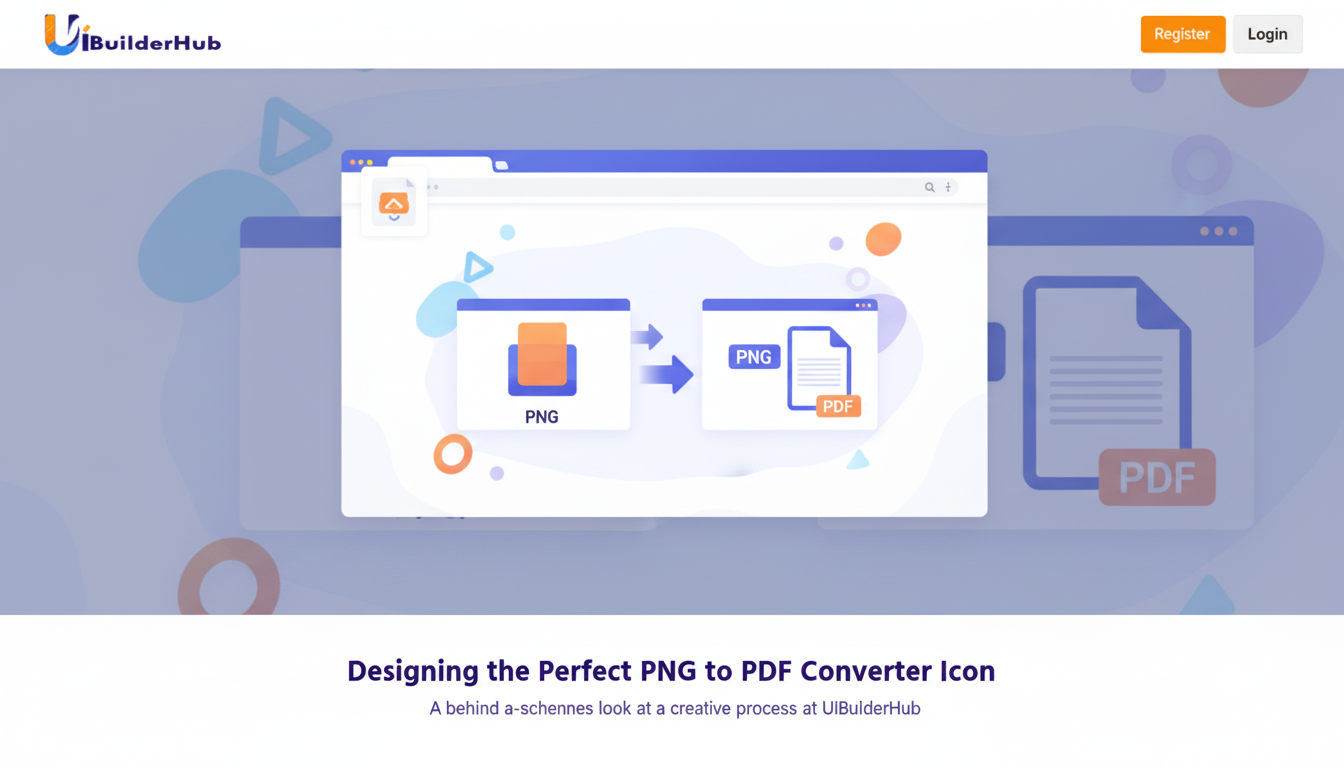
The Best Free PNG to PDF Converter in 2026: Instantly Convert PNG Files into PDF with UIBuilderHub
Convert PNG to PDF instantly with uibuilderhub’s Free PNG to PDF Converter. Upload your PNG files and get high-quality, secure PDFs in seconds — no downloads, no sign-ups. Fast, browser-based, and privacy-focused, this free tool keeps image resolution intact while ensuring quick, reliable conversion. Perfect for designers, students, and professionals who need effortless PNG-to-PDF conversion anytime.
Introduction
Ever struggled to convert png files to pdf without downloading complicated software or paying for subscriptions? Whether you're managing design assets, submitting professional documents, or archiving images, finding a free, fast, and secure png to pdf converter can feel like searching for a needle in a haystack.
That’s where uibuilderhub’s png to pdf Converter comes in — a simple, browser-based tool that lets you upload png images and instantly get a high-quality pdf in seconds. No installations. No sign-ups. Just fast, reliable, and secure conversions that save you time and effort.
This converter is part of uibuilderhub.com’s collection of 45+ free UI/UX and builder tools, designed to simplify workflows for designers, developers, and creators. From color pickers to favicon generators, uibuilderhub empowers you to build, format, and optimize digital assets with ease.
In this guide, we’ll cover:
- What the png to pdf Converter is and how it works
- Why it’s the best free png to pdf converter online
- A step-by-step tutorial for beginners
- Pros and cons, real-world use cases, FAQs, and SEO tips
👉 Try it now at uibuilderhub.com png-to-pdf-converter and experience seamless PNG-to-PDF conversion!
What is the PNG to PDF Converter?
The png to pdf Converter by uibuilderhub is a free online tool that allows you to upload PNG images and convert them into high-quality PDFs instantly. It runs directly in your browser — no need to download software or share sensitive data.
This tool is perfect for users who need to:
- Combine design mockups into a single PDF
- Prepare PNG screenshots for sharing or documentation
- Create portfolio pages or printable resources
Core Features
- 🖼️ PNG Upload Support – Upload any .png file directly from your device.
- ⚡ Instant Conversion – Get your PDF file in seconds.
- 🔒 Secure & Private – All processing happens in-browser for maximum security.
- 💻 No Installation Required – 100% online PNG to PDF converter.
- 📁 High-Resolution Output – Convert PNG files to PDF without losing quality.
- 🆓 Free Forever – No hidden fees or signup required.
Unlike other tools that limit features behind paywalls, uibuilderhub’s png to pdf Converter is completely free and easy to use — even for beginners.
Whether you’re searching “can PNG files be converted to PDF?” or “convert png to pdf without losing quality,” the answer is a resounding yes — and for free!
Why Choose uibuilderhub’s png to pdf Converter?
When choosing a png to pdf converter, you want speed, simplicity, and reliability. Here’s why uibuilderhub.com ’s tool stands out:
1. Fast and Browser-Based
No software downloads, no waiting. Everything happens instantly in your browser, saving you setup time.
2. High-Quality Conversions
Your PDF retains original image resolution, ensuring no blurry or pixelated results.
3. Free and Accessible
Unlike premium converters, uibuilderhub offers this tool 100% free — perfect for students, freelancers, and small businesses.
4. Secure Data Handling
All conversions happen locally in your browser, ensuring no files are uploaded to external servers.
5. Integrated Ecosystem
Pair it with other uibuilderhub tools — like the Image Base64 Converter or PDF Merger Tool — for a complete file management workflow.
💡 Fun fact: Efficient tools like this can save designers up to 50% of their workflow time — freeing you to focus on creativity.
Step-by-Step Guide: How to Use the png to pdf Converter
Converting your PNG images into PDF files takes less than a minute. Follow these simple steps:
Step 1: Visit the Tool Page
Go to uibuilderhub.com/png-to-pdf-convertor.
(Insert screenshot: Dashboard overview)
Step 2: Click “Upload PNG File”
Choose your image directly from your computer or device. Ensure it’s a .png file.
(Insert screenshot: Upload button)
Step 3: Wait for Instant Processing
Once uploaded, the converter instantly processes your image into a high-quality PDF.
Step 4: Download Your PDF
Click “Download” to get your PDF file. That’s it! No extra steps or sign-ups.
Step 5: Repeat or Merge Files (Optional)
Need to batch convert PNG to PDF? Simply repeat the steps. You can later use the PDF Merger Tool to combine multiple PDFs.
This workflow is ideal for anyone who wants to convert png topdf format online for free, quickly and securely.
Pros and Cons of png to pdf Converter
✅ Pros
- Completely Free – No subscription or sign-up required.
- Instant Conversion – Lightning-fast performance.
- Secure & Private – Browser-based conversion, no data leaks.
- High-Quality Output – Maintains original image resolution.
- Beginner-Friendly Interface – Simple design, minimal clicks.
⚠️ Cons
- PNG-Only Uploads – Doesn’t support JPG or other formats (try our Image Converter Tool for that).
- No Offline Mode – Requires internet connection.
- Single File per Conversion – For bulk uploads, repeat the process (use PDF Merge to combine).
Pro Tip: Combine with uibuilderhub ’s PDF Merger Tool to compile multiple PNGs into one PDF document!
Real-World Use Cases and Examples
Here are some practical ways you can use the png to pdf Converter:
- 🧾 Business Documents – Convert screenshots or scanned PNGs into shareable PDFs.
- 🎨 Design Portfolios – Turn mockups or UI samples into print-ready PDFs.
- 🛍️ E-Commerce – Bundle product images into PDFs for client catalogs.
- 📚 Education – Students can compile lecture slides or diagrams into PDFs for easy sharing.
No matter the industry, uibuilderhub.com s png to pdf Converter saves time and ensures professional presentation.
PNG to PDF Converter vs. Alternatives
Let’s see how uibuilderhub’s png to pdf Converter stacks up against popular tools:
|
Feature |
uibuilderhub png to pdf Converter |
Adobe Acrobat Online |
SmallPDF |
|
💰 Price |
Free Forever |
Limited Free |
Limited Free |
|
⚙️ Install Required |
❌ No |
✅ Optional |
❌ No |
|
⚡ Speed |
⚡ Instant |
⚡ Moderate |
⚡ Moderate |
|
🔒 Privacy |
✅ In-browser |
❌ Cloud upload |
❌ Cloud upload |
|
📄 High-Quality Output |
✅ Yes |
✅ Yes |
✅ Yes |
Verdict: uibuilderhub’s tool is the best free png to pdf converter online — especially for privacy-conscious users.
Want to make your assets even more SEO-friendly? Try tools like the Base64 image Converter or Background Remover.
Frequently Asked Questions (FAQ)
1. Is the png to pdf Converter free?
✅ Yes! It’s 100% free, with no sign-up or hidden fees.
2. Can I convert png to pdf without losing quality?
Absolutely. The tool ensures high-resolution output, perfect for professional use.
3. Can I batch convert png files to pdf ?
Currently, you can convert one file at a time, but use our PDF Merger Tool to combine multiple outputs.
4. Do I need to install software?
No. It’s a browser-based tool — just open and use.
5. Is my data secure?
Yes. All conversions are processed locally in your browser, ensuring full privacy.
6. Can png files be converted to pdf on mobile?
Yes. It works seamlessly across desktop and mobile browsers.
7. Where can I find other free tools?
Explore all 45+ free tools at uibuilderhub.com/tools.
Conclusion
Converting PNG files to PDFs doesn’t have to be complicated or costly. With uibuilderhub ’s png to pdf Converter, you can:
- Instantly convert PNG files to PDF format
- Enjoy high-quality, secure, free conversions
- Access an entire suite of 45+ design and builder tools
Don’t wait — try the png to pdf Converter now and experience seamless file conversion.
Also, check out related tools like:
✨ uibuilderhub — Build, Design & Convert Smarter.
Comments (0)
Please sign in to leave a comment.